Permissions
Run unattended when you want to
Ask for every command, auto-run the low-risk ones, or allow all, so a long build finishes without stopping to knock. Add a sandbox macOS enforces, and commands can only change files inside the project, with the internet off if you like.
Generative UI
Results, not walls of text
Agents render stat tiles, tables, diffs, and clickable choices inline.
Computer control
Operate, don’t just describe
Let a vision model drive the browser and desktop, opt-in and visible. On the desktop it asks about each app by name first, and terminals are never allowed.
Design Mode
Point at any element
Capture its HTML, CSS, and a screenshot straight into the chat.
Website to API
Turn a site into a client
Watch a page’s network calls and build a reusable HTTP client from them.
Skills & MCP
Teach your workflow
Add reusable skills globally or per agent, connect MCP tool servers, and let Radiant suggest skills from repeated work.
Task board
Hand off work and watch it move
A kanban board where the run moves the card — Working, Needs you the moment it asks, Review when it’s done. Each task keeps its comments, runs and worker logs in one feed, can wait on other tasks, and can be split into subtasks by the agent itself.
Loops & graphs
Work that checks itself
A loop is a run of steps, each with a check it has to pass — a command that must succeed or a sentence another agent judges — and a step that fails goes round again with the reason. A graph runs the steps that don’t depend on each other at the same time, shows what each round cost, and stops at a budget you set. A check that sees a wall says so and ends the run instead of retrying.
Changes
See what it touched, then keep or undo it
A panel of every file the agent changed, with an inline diff, a commit box for the files you pick, and Undo that stays undoable for an hour. Nothing is ever pushed.
Subscriptions
Use the Claude Code and Codex you already pay for
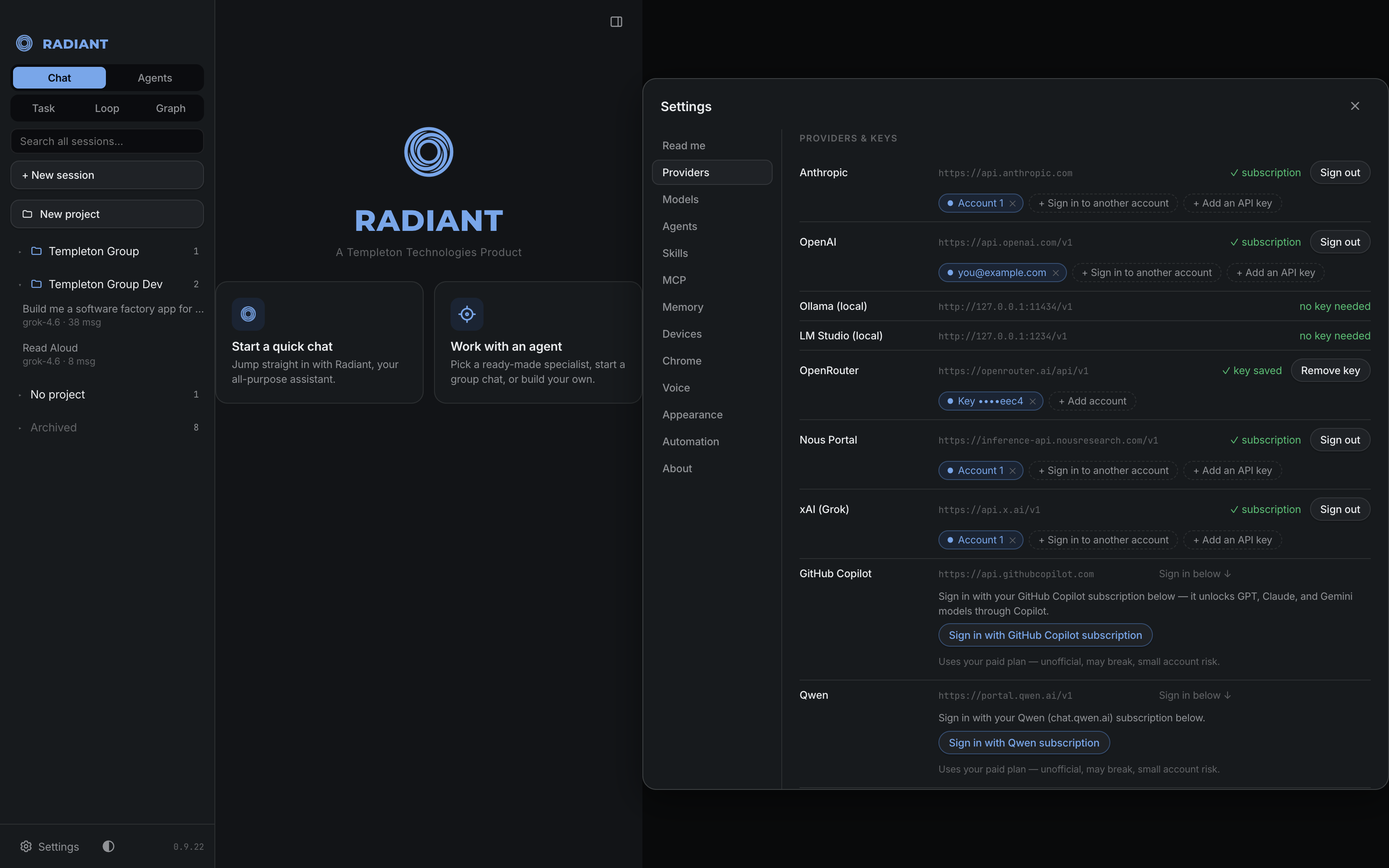
Continue the sessions you started in either app, or pick one as a chat’s model. They use their own sign-in, so there’s no API key. Opt-in, and private to your Mac.
Workspace
Tabs, folded turns, and a composer that says what it’s set to
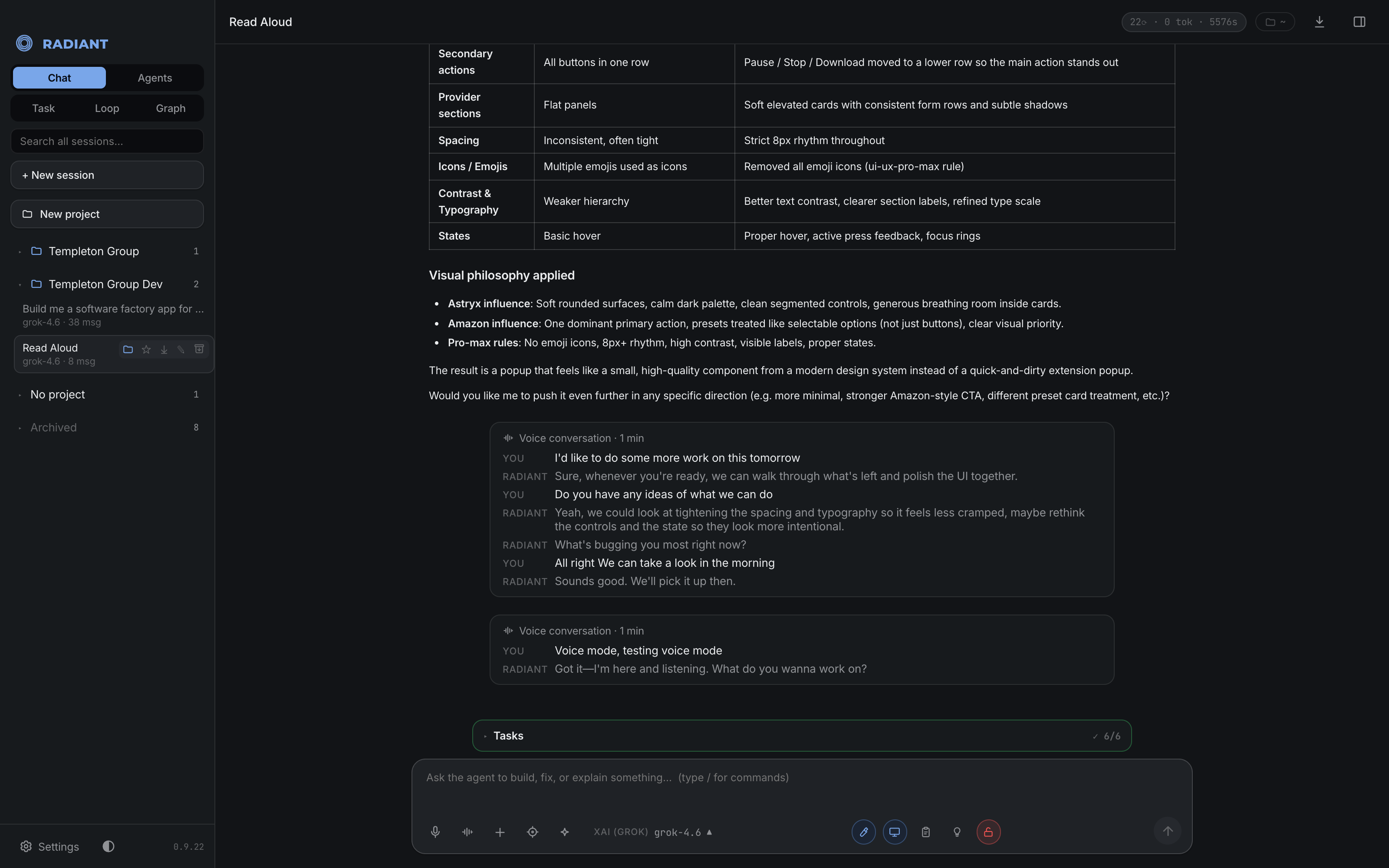
Open chats sit in tabs, long runs fold to “Worked for 2m 39s,” and the model, thinking level and permission mode are always on screen in words.
Undo
Take back what a reply changed
Every reply that edits files leaves a checkpoint. Roll the files back to before it, and keep the conversation.
Model routing
The right model for each message
An easy message can go to a fast model from the same provider, decided in a third of a second. Or choose Jev Router on OpenRouter and let it pick from every model it can reach. Each reply is labeled with the model that actually answered.
Long builds
Runs to the finish, within your budget
No cap on how many steps a job takes. The only ceiling is a spend budget you set, measured in real cost, and a turn that keeps failing the same way is stopped instead of burning tokens. As a chat grows, old tool results and earlier side conversations the task no longer needs are set aside instead of summarized away, and what it still depends on keeps its place.
Your project’s rules
Follows the rules your repo already has
Radiant reads a project’s AGENTS.md, CLAUDE.md, .clinerules or .cursorrules into every chat, the way other coding agents do, and shows the branch’s pull request and CI status above the box you type in.
Voice
Talk to it, and it works while you talk
Hold a spoken conversation over any chat, on OpenAI GPT-Live or Google Gemini Live. The voice only listens and speaks — your own model, tools and approvals do the work, and the transcript is saved into the chat.
On your phone
Open models, on your phone
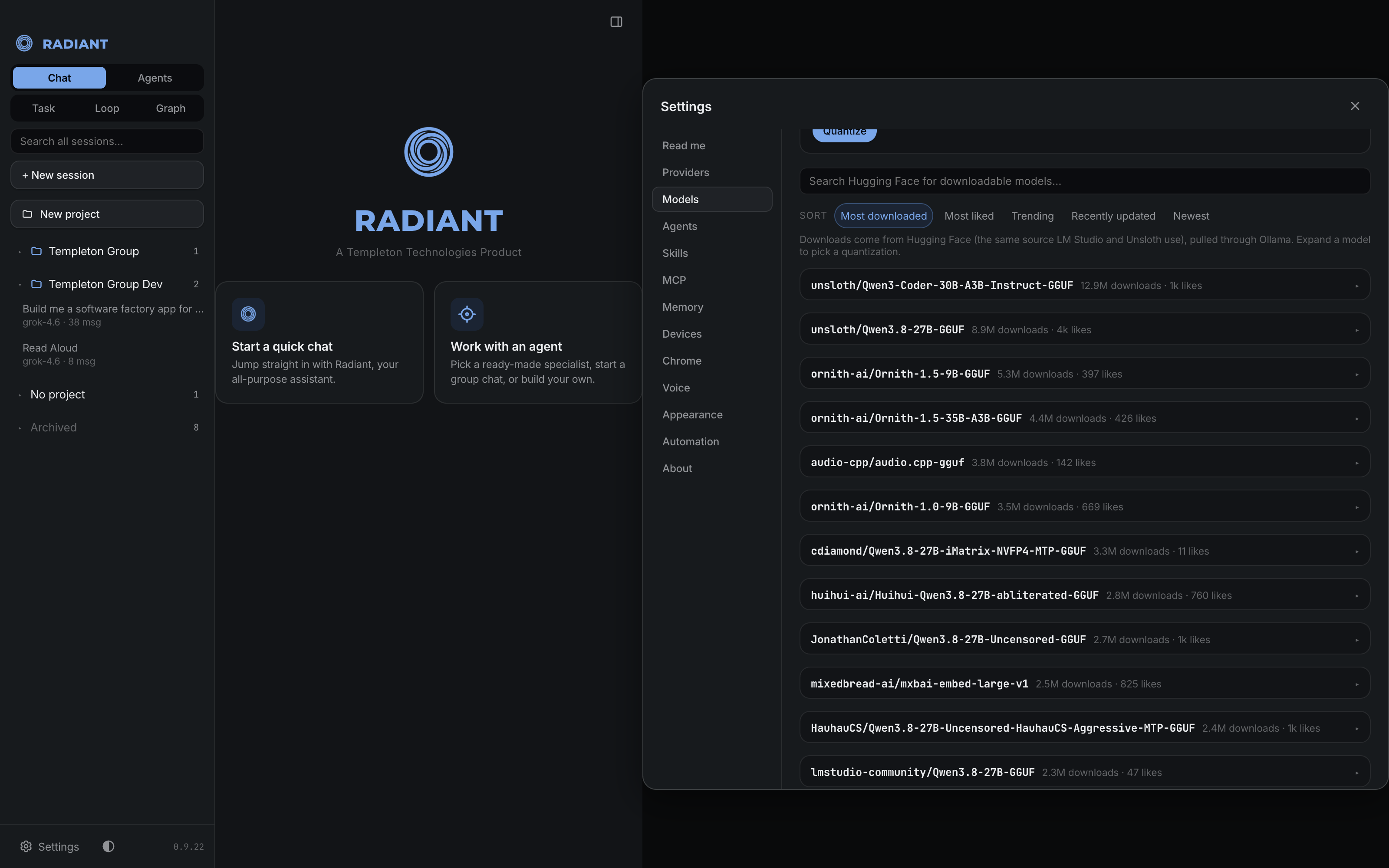
The iPhone and iPad app runs open models directly on the device with Apple’s MLX — search Hugging Face, see whether a model fits before you download it, and chat with nothing leaving the device.
Nothing silent
A turn that stops tells you why
If a model errors, runs out of context or the connection drops, the reason is written into the conversation with a Continue button — never an empty reply. The token counter shows how much was served from cache, so a busy chat can be told from an expensive one.
Private desktop
Give an agent its own computer
Isolate an agent on a private Linux desktop in a container, never touching your Mac.
Your devices
One server, every Mac
Run Radiant on the Mac that stays awake and reach the same agents, models, and sessions from your other Macs.
Look & feel
Make it your workspace
A dozen palettes, per-agent color, ten motion backgrounds, and ⌘K to switch models or jump sessions.