01 / Dictation
Speak where you already write.
Hold your shortcut in any text field. Kiki listens, shows a live preview, and inserts the finished words when you release.
✓Undo, retry, custom vocabulary, and private sessions are built in.

Voice intelligence, on your Mac
Dictate anywhere, capture meetings, transcribe recordings, and create audio in your own voice without sending a word off your Mac.
100% free
See what Kiki can do ↓Version 0.6.53 · macOS 14+ · Apple silicon

“Send the revised proposal tomorrow morning.”
01 Fully local processing
02 No account required
03 One Mac app, every workflow
One quiet command center
01 / Dictation
Hold your shortcut in any text field. Kiki listens, shows a live preview, and inserts the finished words when you release.
✓Undo, retry, custom vocabulary, and private sessions are built in.
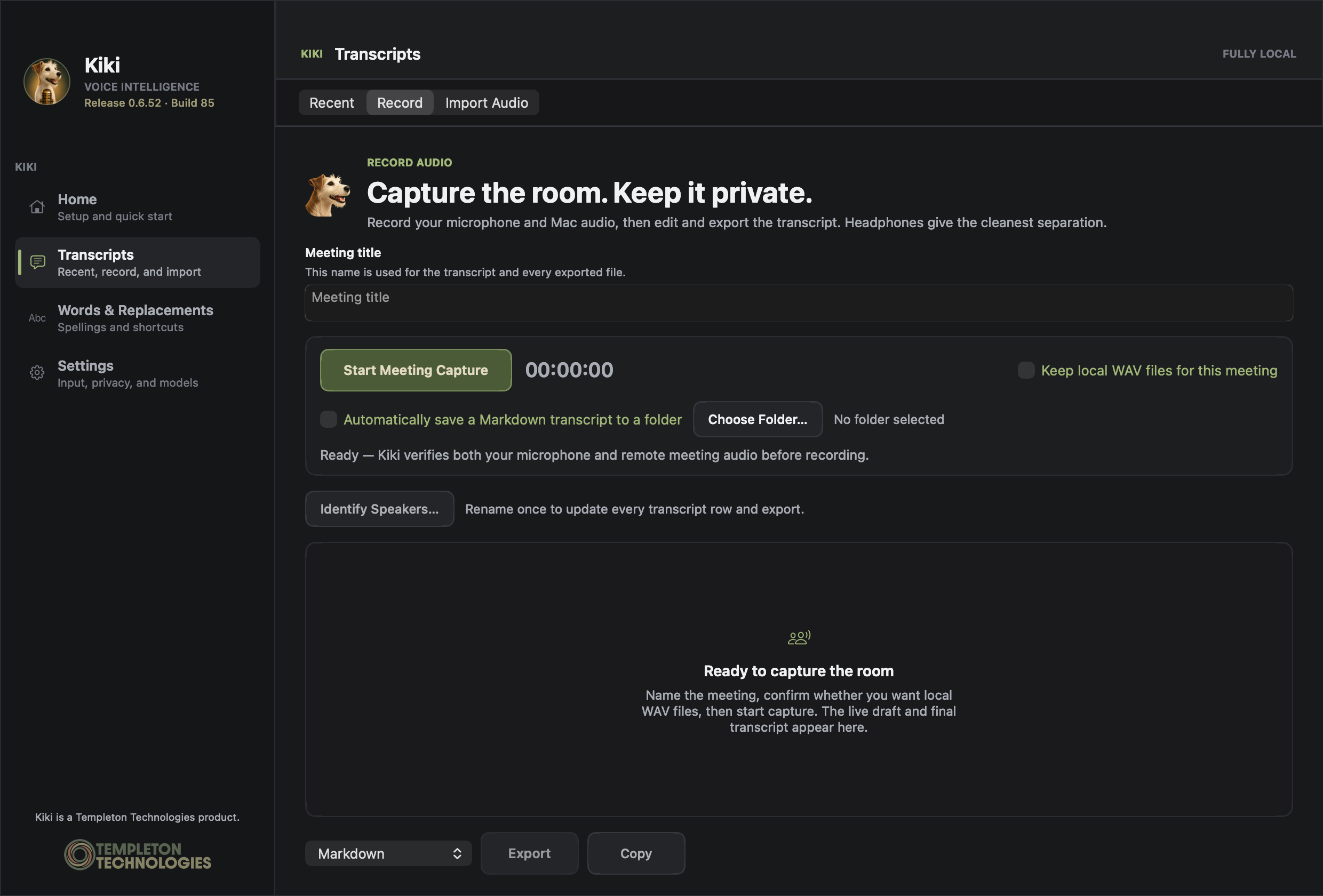
02 / Meetings
Record your microphone and Mac audio on separate tracks, then edit, copy, or export the transcript.
✓Export Markdown, text, SRT, or WebVTT without uploading the meeting.
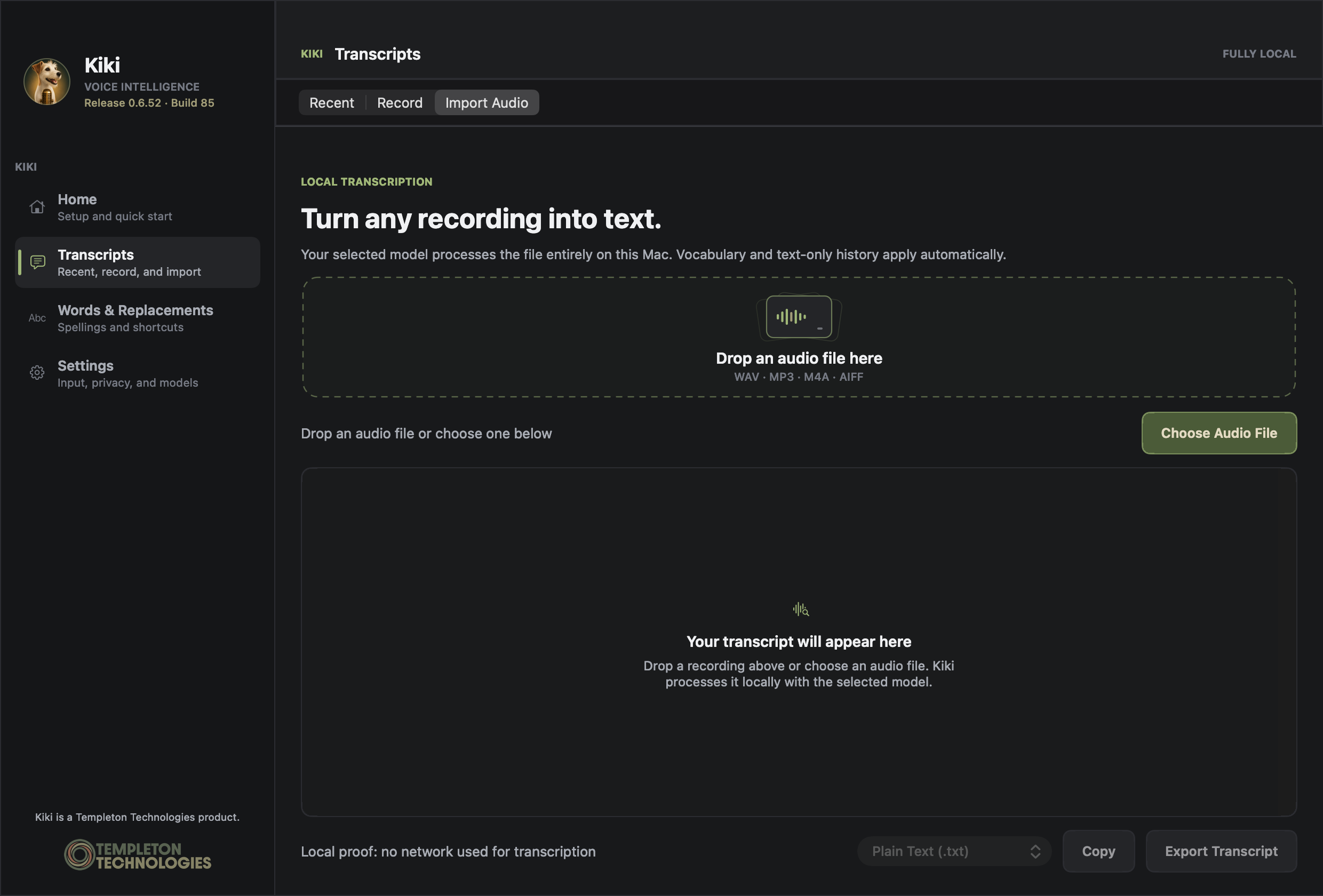
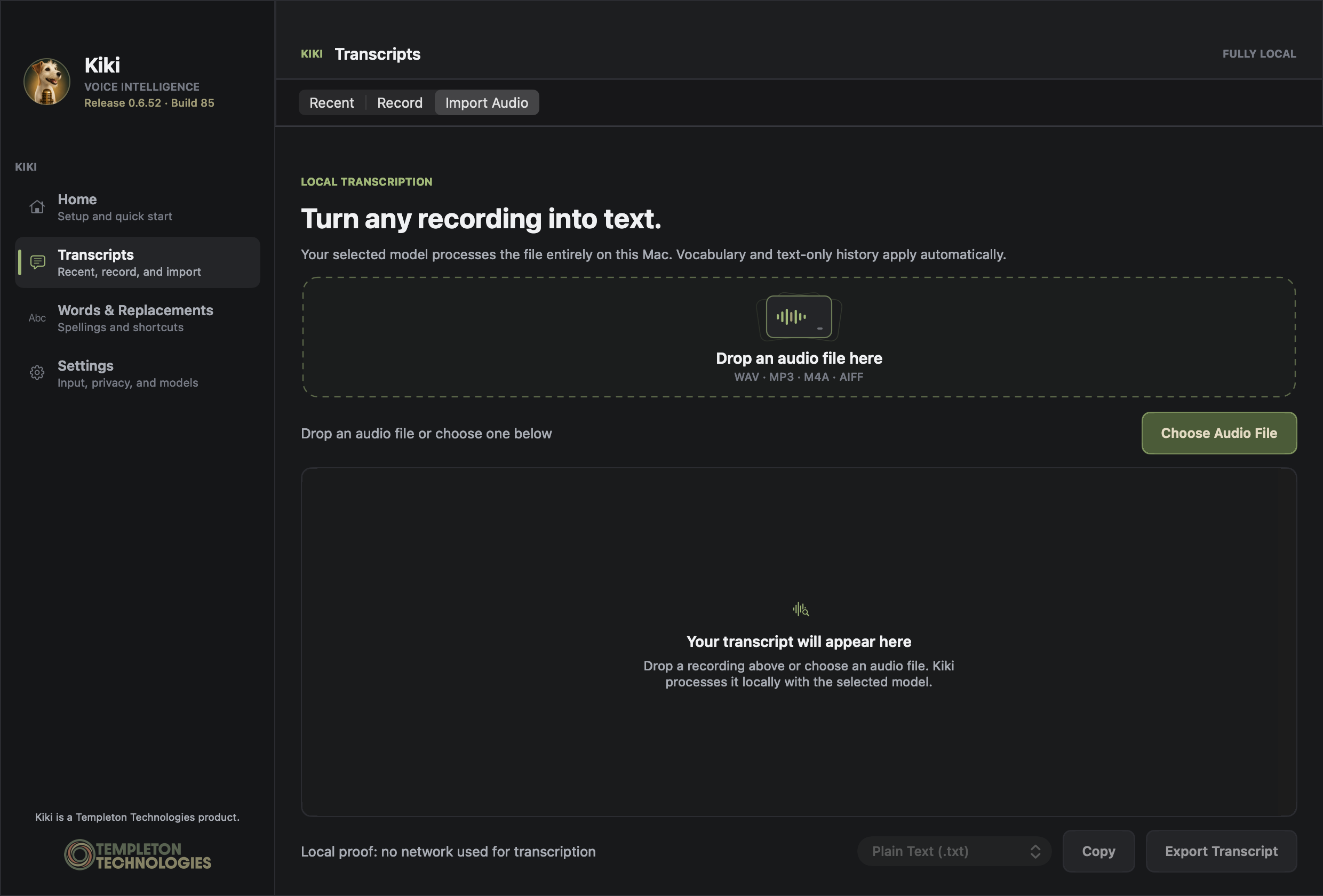
03 / Recordings
Drop in a recording and get an editable local transcript. Copy it, refine it, or export it in the format you need.
✓Your selected local model does the work. No network transcription service.
Privacy is the architecture
Kiki’s normal workflow happens on the Mac in front of you. Recordings, transcripts, and saved replacements don’t need a round trip through someone else’s server.
 Local intelligenceThis Mac
Notes from today’s meeting…
Cloud upload
Not in the pathThoughtful by default

Words & Replacements
Live feedback
Private session
Recovery
Meeting transcripts
Checkup
From download to first words
Open the download, then launch Kiki from your Applications folder.
Kiki recommends the best balance of speed and accuracy for your Mac.
Grant microphone and accessibility access, test your shortcut, and dictate.
Ready when you are
Private voice intelligence for Apple silicon Macs running macOS 14 or later.
Download Kiki 0.6.53 8.69 MB · Developer ID signed · Notarized by Apple · Signed automatic updates